
How Much Power (Watts) Does a Printer Use?

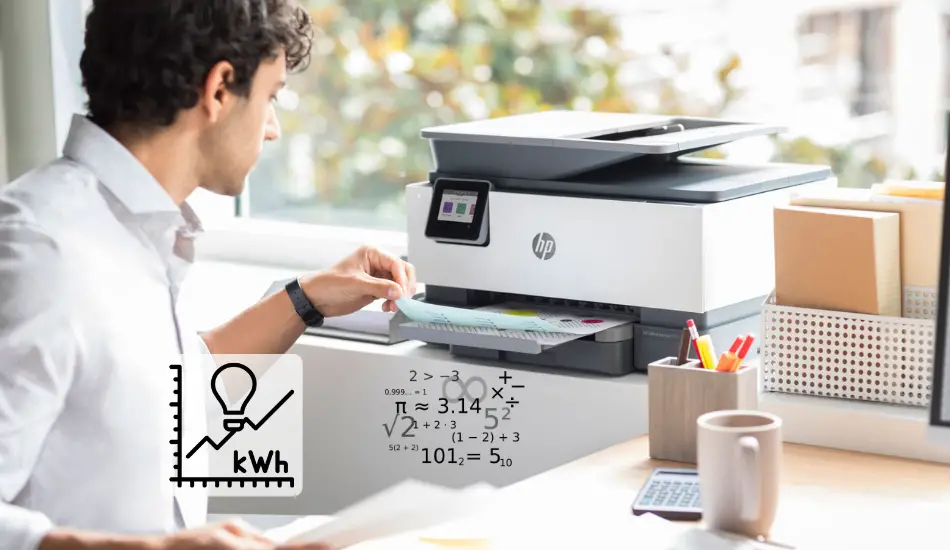
The question of how much power does a printer use is a good one. Most people don’t realize that their printers could be consuming more energy than they think. The good news is that there are ways to reduce the amount of electricity a printer uses and still have it work well for printing documents with quality images and text on paper. In this article, we’ll answer how much power does an inkjet and laser printers consume and how to manage and save on electricity.
Table of Contents
How Much Power (Watts) Does a Printer Use?
So How Much Power (Watts) Does a Printer Use? An average inkjet printer typically consumes between 30 to 50 watts during printing mode and 3 to 5 watts in standby mode, while the laser printers consume on average 300 to 550 watts during printing and around 10 watts in standby mode.
Keep in mind that office inkjet and laser printers consume a lot more energy, depending on their design, brand, and specifications with which they come. That’s why their power consumption is a lot higher, unlike home printers. In the table below we have listed the average power consumption of home printers in all modes.
| Printer Type | Printing Mode [W] | Standby Mode [W] | Sleep Mode [W] |
|---|---|---|---|
| Inkjet Printer | 30 to 50 Watts | 3 to 5 Watts | 1 Watt |
| Laser Printer | 300 to 550 Watts | 10 Watts | 2 to 5 Watts |
Calculating Your Printer Power Consumption – Example
The best way how you can know the real power consumption of your printer is to calculate it. Here we’ll start with an example. We will use the HP LaserJet 4250 printer. The power consumption of this printer is 5 Amps for 230 volts.
Keep in mind that this is just an illustration and not the certified HP LaserJet 4250 printer power consumption value. In the standby mode, the printer consumes 20 watts (0.02 kW), while in sleep mode the power consumption of the printer is 18 watts (0.018 kW). We must note that the speed of HP LaserJet 4250 is about 40 pages per minute. Let’s say that you are printing around 100,000 pages per month. So we’ll start our calculation.
Here you can check some great HP printer models on Amazon that we recommend!
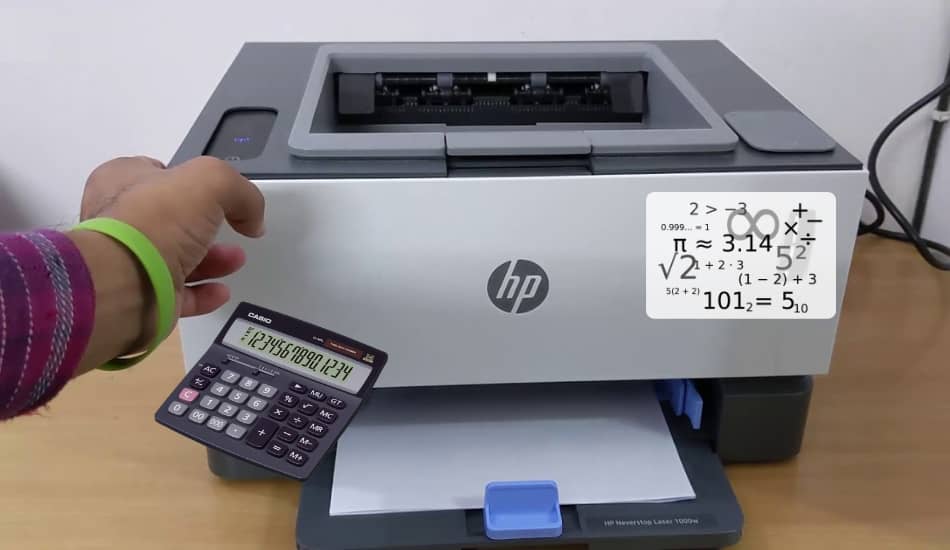
The power consumption of the printer is following:
- 5 [Amps] x 230 [Volts] = 1150 [Watts] or 1.15 [kW]
- The printer volume/hour is: 40 [pages] x 60 [minutes] = 2400
- The printing time: 100,000 pages per month / 2400 per hour = ~41 hours
Now we’ll make another calculation. Let’s say that your HP printer is on standby mode about 70% of the time when it is not printing. The other thing is that your HP printer is in sleep mode for about 30% of the time when it is not printing.
By this calculation, we’ll get that your HP printer is on standby mode for:
- 720 h [per month] – 41 h [of printing] x 70% = 475.3 [hours]
In case that your HP printer is in sleep mode for:
- 720 h [per month] – 41 h [of printing] x 30% = 203.7 [hours]
Now we have some numbers that can help us determine the real power consumption of this printer in both modes. The last thing we have left is to multiply the hours when the printer was working for each mode.
Power consumption of HP printer while printing:
- 41 [hours] x 1.15 [kW] = 47.15 [kWh]
- 475.3 [hours] x 0.02 [kW] = 9.5 [kWh]
- 203.7 [hours] x 0.018 [kW] = 3.66 [kW]
Now by using these numbers you can easily add up these 3 values and have the total HP LaserJet printer power consumption. We can see that the total value is 60.31 kWh. If we use this number with the average price of 0.13 cents per kWh in the US, then we’ll get the $7.84 per year. This is the price that costs you to keep your printer running.
Here is the free Printer Power Consumption Calculator that you can also use to get fast and accurate results.
Inkjet Printer vs Laser Printer: Power Consumption Comparison
An average inkjet printer that is designed for home use consumes between 30 to 50 watts in printing mode, while the laser printer consumes anywhere between 300 to 550 watts. During the standby mode, the inkjet printer consumes 3 to 5 watts, while the laser printer consumes about 10 watts. In the table below you can see the main difference in power consumption between home printers and business (office) printers.
| Printer Type | Home Printers [W] | Business (Office) Printers [W] |
|---|---|---|
| Inkjet Printer | 30 to 50 watts | 300 to 500 watts |
| Laser Printer | 300 to 550 watts | Up to 1000 watts |
Most printers come with a label that is located at the bottom or the back of the device, where you can easily read the power consumption of the printer. The electrical ratings will be in most cases stamped in terms of Watts (W) or by Voltage (V) and Amperage (A).
By using the formula bellow you can determine the printer power consumption:
Watts (W) = Volts (V) x Amps (A)
I did a test, where I measured the power consumption of laser printer in different modes. Here are the results:
- While printing an electronic document, the printer consumed 42 watts.
- When copying a document, the printer consumed 15 watts.
- When scanning documents, the printer used 6.6 watts.
- The printer consumed 5 watts while waiting for a print queue in a ready state.
- The printer connected to the network, but with the switch off, the power consumption was 4.8 W.
For those who want to know more, here you can read How Much Power (Watts) Does a Monitor Use.
How Much Power Business (Office) Printers Consume?
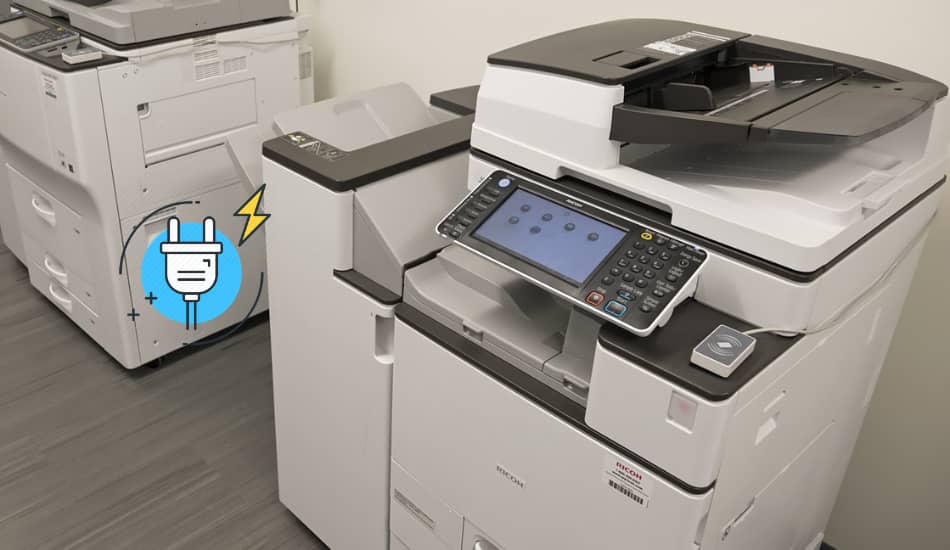
Printer models that are designed for business (office) purposes are much more powerful unlike home models and therefore they consume a lot more power. They can perform multiple jobs and have much higher speed, which is an important factor if it is used for business purposes.
When it comes to business printers, laser models are most commonly used (although inkjet printers are also used). A laser printer that is designed for business purposes can consume up to 1000 watts in printing mode, while the inkjet printer for business purposes can consume between 300 to 500 watts of power. During standby mode, the inkjet printer that is used in a business class consumes 30 to 50 watts, while the laser printer consumes about 100 watts.
How To Accurately Measure the Power Consumption of a Printer?
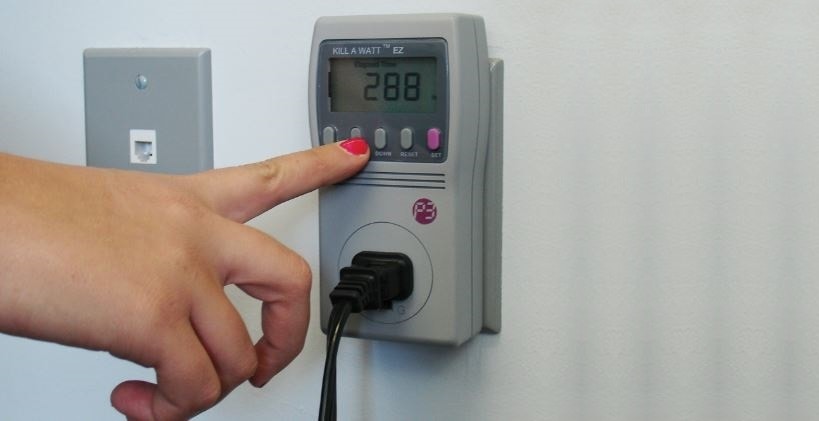
The power consumption of any electrical device just like a printer is measured in terms of kilowatts per hour (kWh). As the printer has several modes, it is necessary to measure the energy consumption in each mode separately. The best tool for this is a ‘Kill A Watt Meter’. By using this device you can precisely measure the power consumption of any printer.
Most printers have ‘Printing Mode’, ‘Standby Mode’, and the ‘Sleep Mode’. During the printing mode, the printer consumes the most power, so it is necessary to perform the measurement separately in all 3 modes. I have used the Kill A Watt Meter, and I can say that the results are quite accurate, and if you do not have this device you can get it here on Amazon, at very affordable prices.
What Affects The Power Consumption of a Printer?
It should be noted that the power consumption of a printer is directly dependent on the technology of its operation, brand, as well as printer mode. In general, in order to determine how much the device will consume electrical energy, it is necessary to study its data. Each printer model has its own unique power. In most cases, this parameter is indicated on a special information sticker (label), which is located at the bottom of the device itself.
Printers that are plugged into the network, but at the same time are in standby mode, consume approximately 10 to 20 watts of electricity. However, the value of how much printers consume can vary greatly depending on the specific brand and model of such a device. Once again, it should be noted that you can determine the exact power of your printer from the information that is available in the instructions attached to the device or on a sticker located on its surface.
Now that you’ve come this far, you can also check How Much Power Does a Computer Use in Sleep Mode.
Power Consumption of Printer Per Hour (Watts)
The power consumption of the printer depends on the model, type, manufacturer, and capabilities of the printer. In the table below you can see some of the popular models on the market and their power consumption in both modes.
| Printer Type | Standby Mode [W] | Print Mode [W] |
|---|---|---|
| Economy inkjet 10/p ppm | 5 Watts | 22 Watts |
| **Economical duplex inkjet 10/6 ppm | 5 Watts | 25 Watts |
| Economical laser, 20 ppm B/W *** | 6 Watts | 300 Watts |
| Laser, 22 ppm B/W | 6 Watts | 500 Watts |
| Duplex Laser, 22 ppm B/W | 6 Watts | 500 Watts |
| Shared Laser 32 ppm A3 B/W | 145 Watts | 655 Watts |
| Shared Laser Duplex 32 ppm A3 B/W | 145 Watts | 655 Watts |
| Economical Color Laser 16/4 ppm 600 dpi | 18 Watts | 300 Watts |
FAQ
Q: Which Among Laser And Inkjet Printers Consume More Power?
A: Laser printers consume significantly more power compared to inkjet printers. Laser printers consume 300 to 500 watts in printing mode while inkjet printers consume 30 to 50 watts in printing mode.
Q: Why Laser Printers Consume More Power?
A: Laser printers need much more power because they need to warm up before they start printing. The temperature they need to reach is about 200 degrees Celsius. For that reason, they need much more power.
Q: Is It Possible To Reduce The Power Consumption of The Laser Printer?
A: You can reduce the power consumption of the laser printer by printing more pages in a single batch. This way the printer will need less power to warm up your laser and can print frequently.
Q: How Can You Reduce the Printer Power Cost?
A: Best way to reduce the printer power cost is to turn it off while the printer is not in use.
Final Thoughts
Almost every one of us in the household has at least one printer that is necessary for work or personal needs. Although we don’t always use it often, it’s good to know how much power it consumes in standby mode and how much during printing. That’s why in this article we have explained the power consumption of the printer in all modes and what affects it. What you could see is that laser printers consume almost 10x times more power than inkjet printers, because they need to warm up before they start printing. I hope that you learned something new in this article and that helped you.